FLEXIBLE FOR OPENSCAD
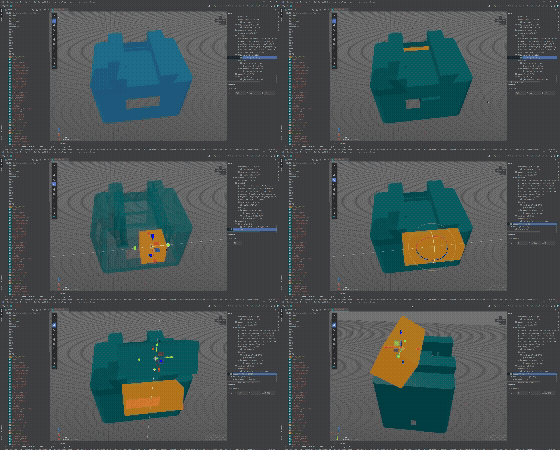
I got a 3D printer and started to dabble with modelling. I use AI agents for a lot of it, having them render the outcome so that they can see what they did. But I figured that often makes them go in loops. It’s tough to really describe what you want sometimes and in 3D space it’s even tougher.
I used to work with 3ds Max a bit - about 20 years ago - and I know that 3D modelling tools usually give you options to modify elements visually. OpenSCAD doesn’t. So I decided to build a tool myself.
Flexible for OpenSCAD gives you a live 3D preview right inside the IDE - and this is the part I’m most excited about - visual transform gizmos. You grab the geometry, drag it around with move/rotate/scale handles, and the plugin writes translate(), rotate(), scale() calls back into your source code. One undo reverts the whole thing.
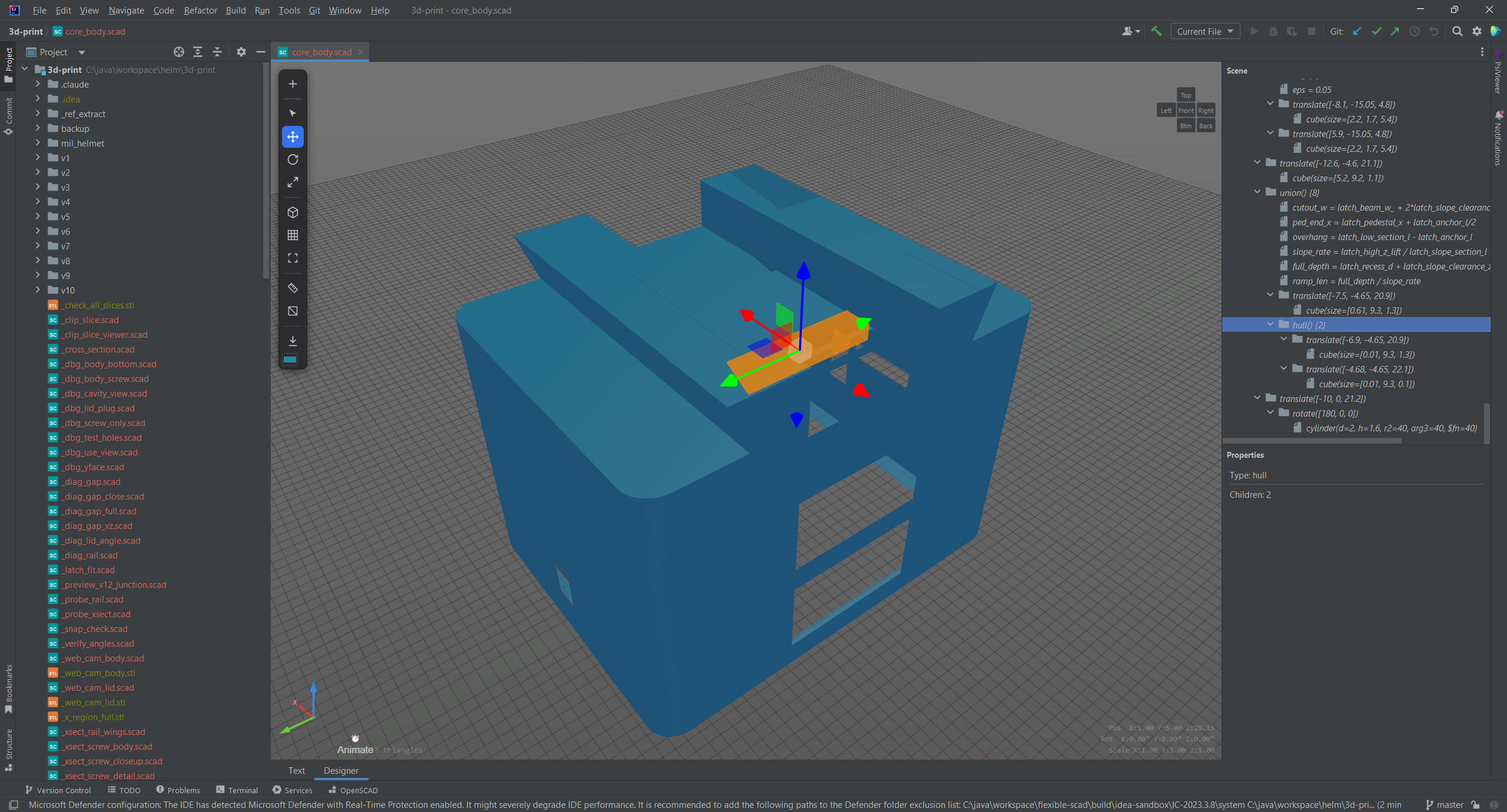
The preview doesn’t even need OpenSCAD installed. There’s measurement tools, a cross-section clipping plane, an animation timeline for $t, and a Customizer that reads // [min:max] annotations and gives you parametric sliders automatically. Oh and you can export STL directly from the IDE now too.
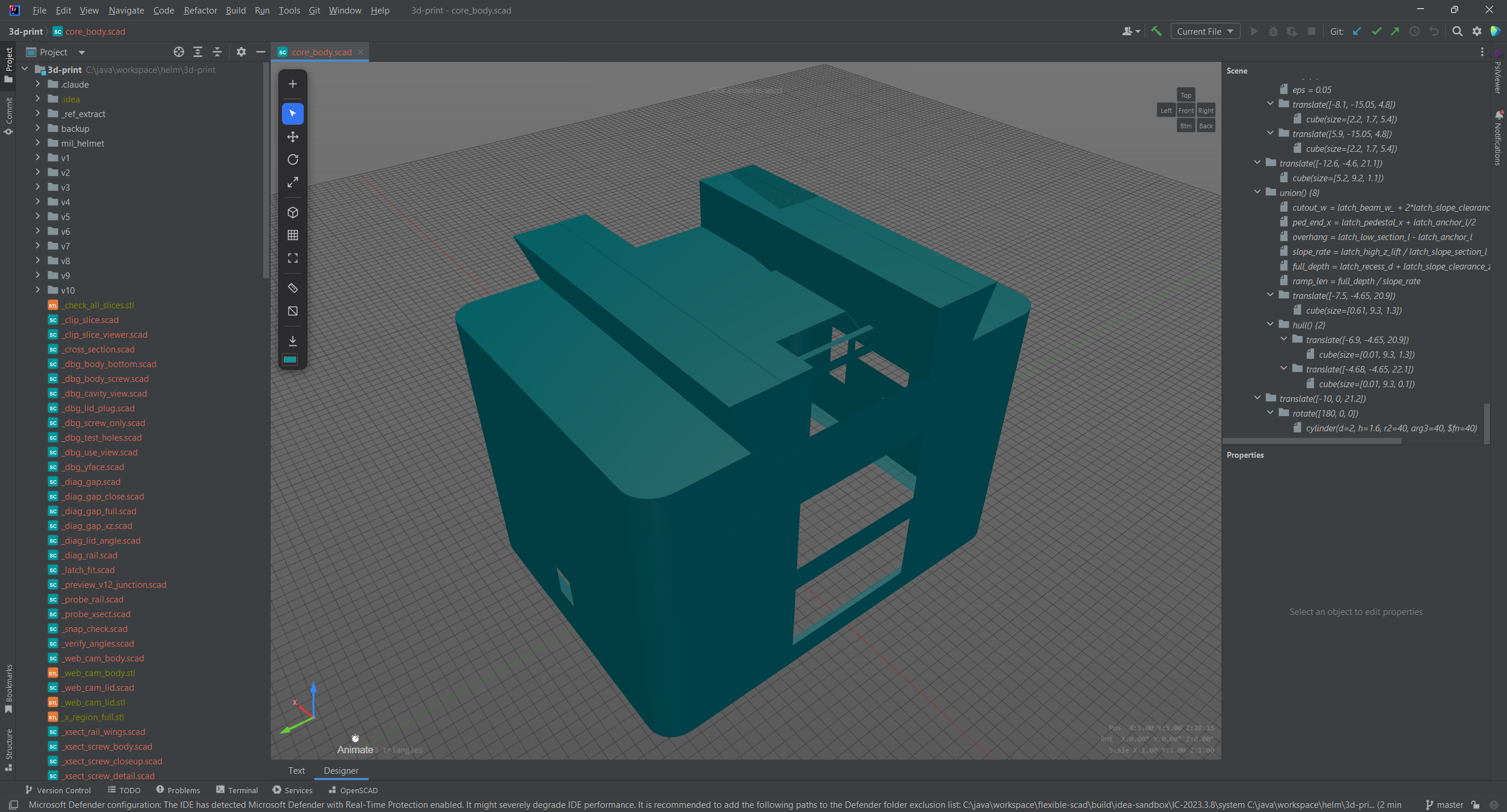
Still early days. If you use OpenSCAD, give it a try and let us know what you think!
Get it here: plugins.jetbrains.com/plugin/32015-flexible-for-openscad
| Education | EBS Business School, SFSU, HSG |
| Experience | 20 Years Enterprise Systems |
| Built | Scipio ERP - ERP & Ecommerce System |
| Author | "Start/Up - Set the net on fire" |
| JetBrains | 5x Plugins Published |
| Languages | Java, Python, JS, TS, Rust, Go, Swift, PHP |
| Frontend | React, Vue, Angular, HTML/CSS |
| Databases | PostgreSQL, MySQL, MongoDB |
| Caching | Redis, Memcached |
| Enterprise | L'Oréal, Amadeus, Konica Minolta, Orange |
| Digital | 1&1 Internet, Sedo.com, Creditsafe |
| Public | DRK, Kanton Basel, Aktion Mensch, Börsenverein |